
BISP 8171 Verification Failed? If your BISP 8171 verification status shows “Verification Failed” or “Not Completed” in 2026, you are not alone. Thousands of beneficiaries are facing this issue due to updated eligibility rules, CNIC problems, or survey mismatches.
The good news? Most verification failures are easy to fix once you know the real reason behind them.

This complete guide explains why BISP 8171 verification fails, how to resolve it step by step, and how to secure your Benazir Kafalat payments without delay.
What Is BISP 8171 Verification System (2026 Update)?
The Benazir Income Support Programme (BISP) introduced a stronger digital verification system in 2025 to:
- Prevent fake or duplicate beneficiaries
- Improve transparency
- Ensure funds reach only deserving families
- Align data with NADRA and NSER dynamic survey
This updated system cross-checks your:
- CNIC details
- Household information
- Biometrics
- SIM registration
- Poverty Means Test (PMT) score
Even small mismatches can result in BISP 8171 verification failure.
Why Does BISP 8171 Verification Fail?
BISP 8171 verification fails when the system cannot confirm your identity or eligibility from government databases.
This usually happens due to outdated records, expired documents, or incomplete verification steps.
Before panicking, it is important to identify the exact reason. Once identified, most issues can be resolved within days.
Top Reasons Behind BISP 8171 Verification Failure (2026)
1. Outdated NSER Household Survey
The NSER (National Socio-Economic Registry) survey determines your eligibility score.

If:
- Your survey was completed years ago
- Family size has changed
- Income or address is outdated
Your verification will fail automatically.
Solution: You must complete the NSER Dynamic Survey at the nearest BISP Tehsil Office.
2. Expired or Blocked CNIC
BISP verification is directly linked with NADRA records.
Verification fails if:
- CNIC is expired
- CNIC is blocked
- Family details are incorrect
- Marital status is outdated
Solution:
Visit NADRA, renew your CNIC, and update:
- Family members
- Address
- Marital status
Once updated, NADRA automatically syncs data with BISP.

3. Biometric Verification Failure
Biometric verification is mandatory in 2026.
Common causes:
- Worn fingerprints
- Dry skin
- Machine errors
- Poor-quality devices
Solution:
- Clean and moisturize hands
- Try multiple fingers
- Use a different biometric machine
- Apply for biometric exemption if permanently failed
4. Incorrect or Unregistered Mobile Number
Your mobile number must be registered on your own CNIC.
Verification fails if:
- SIM belongs to someone else
- SIM is inactive
- Number is incorrect
Solution:
- Dial
*668#to check SIM ownership - Visit network franchise to update SIM registration
- Update mobile number at BISP office
5. System Errors or Server Delays
Sometimes verification fails due to:

- Heavy server load
- System maintenance
- Temporary technical glitches
Solution:
- Wait 24–72 hours
- Recheck status on 8171 portal
- Avoid repeated submissions
Step-by-Step Guide to Fix BISP 8171 Verification Failed Issue
Step 1: Update CNIC at NADRA
Ensure your CNIC includes:
- Verified fingerprints
- Correct family details
- Updated address
Processing time: 1–3 working days
Step 2: Complete NSER Dynamic Survey
Visit the BISP Tehsil Office with your original CNIC.
You will provide:
- Household income
- Number of dependents
- Living conditions
- Education & disability info
Accurate data improves your PMT score.
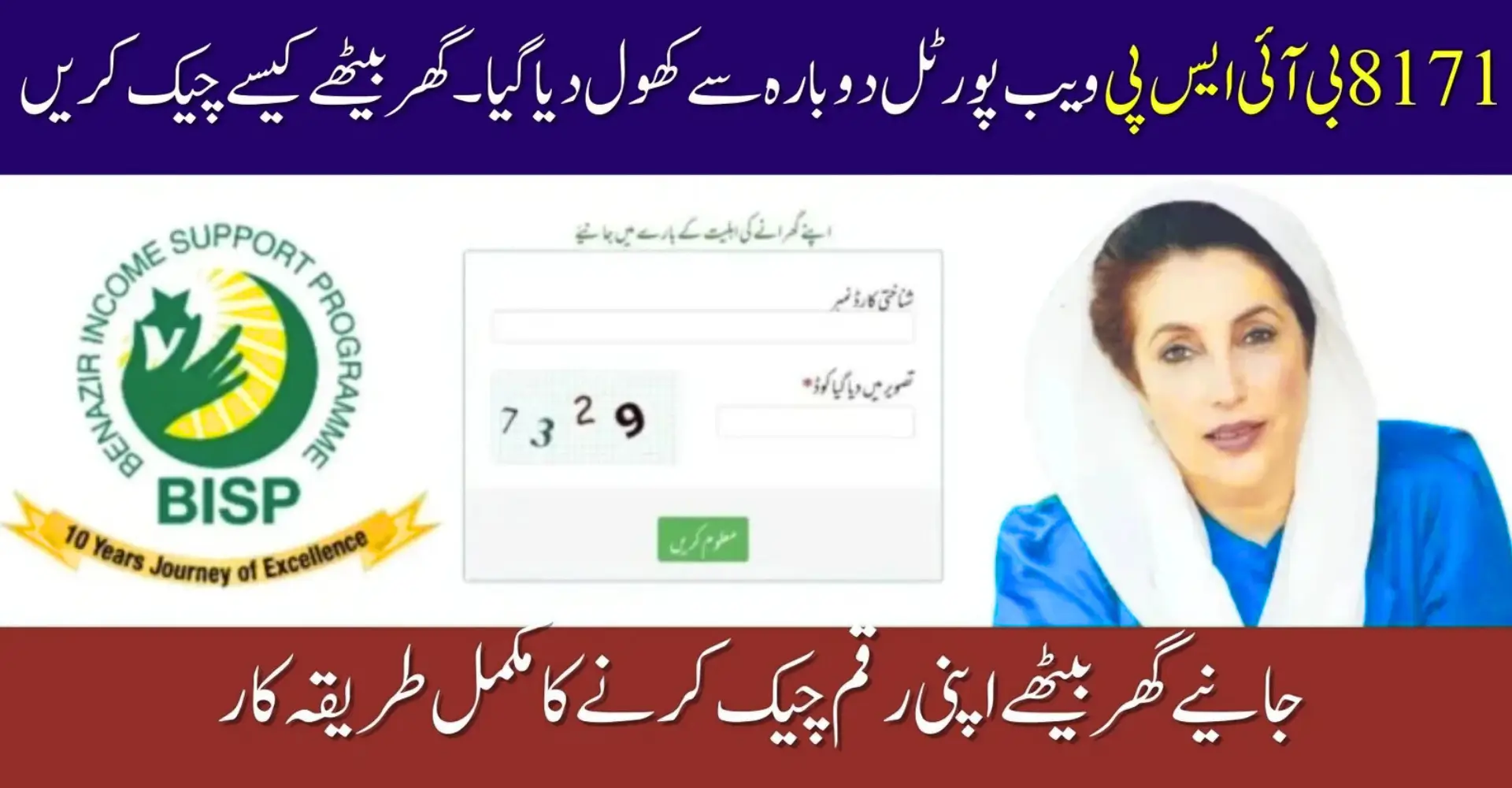
Step 3: Check Status on 8171 Web Portal
- Open official 8171 portal
- Enter CNIC number
- Submit captcha
- View eligibility & payment status
If approved, your status will show Eligible / Verified.

Step 4: Confirm SIM Registration
- Ensure SIM is registered on your CNIC
- Update number at BISP if needed
- Keep SIM active to receive alerts
Step 5: Resolve Biometric Issues
If biometric keeps failing:
- Try different fingers
- Change verification center
- Request biometric exemption
Step 6: Request Manual Verification Review
If all data is correct but verification is still pending:
- Request manual review at Tehsil Office
- Officials re-check PMT score and records
Resolution time: 2–7 working days
Common Mistakes Beneficiaries Must Avoid
Avoid these mistakes to prevent delays:
- Using expired CNIC
- Ignoring NSER updates
- Giving someone else’s mobile number
- Skipping biometric verification
- Trusting unofficial agents
Always rely on official BISP offices and portals only.
What If BISP 8171 Verification Still Shows Pending?
If verification is still not completed:
- Visit BISP office again
- Ask which detail is missing
- Update records as instructed
- Wait 3–7 days
- Recheck status online
Most cases resolve after one proper follow-up.

Quick Tips for Smooth BISP Verification (2026)
- Keep CNIC always valid
- Update NSER data regularly
- Respond to 8171 SMS immediately
- Check eligibility status monthly
- Keep documents safe
These steps ensure uninterrupted financial assistance.
BISP 8171 Verification Reasons & Fixes (Quick Table)
| Problem | Cause | Solution |
|---|---|---|
| Verification Failed | Outdated NSER | Complete Dynamic Survey |
| CNIC Error | Expired / Blocked | Update at NADRA |
| Biometric Fail | Fingerprint issues | Try again or apply exemption |
| SMS Not Received | Wrong SIM | Register SIM on CNIC |
| Pending Status | System delay | Wait & recheck |
FAQs About BISP 8171 Verification Failed
Why does BISP 8171 verification fail even after survey?
Because CNIC, biometrics, or SIM data may still be mismatched.
How long does BISP verification take after update?
Usually 2 to 7 working days.
Can I receive payment if verification is pending?
No, payments are released only after successful verification.
What is NSER Dynamic Survey?
It is an updated household survey used to reassess eligibility.
How can I check BISP status without SMS?
Through the official 8171 web portal using your CNIC.
Conclusion
A BISP 8171 verification failure in 2026 does not mean permanent disqualification. Most issues occur due to outdated NSER data, expired CNICs, biometric errors, or incorrect SIM registration. By updating your records through NADRA and BISP Tehsil Offices, completing the dynamic survey, and regularly checking your status online, you can secure your Benazir Kafalat payments without interruption.